Assign. Update. Prove. Follow up.
Veyra keeps every task moving through four simple steps, so nothing depends on someone remembering to chase it.
A breakdown repair, from call to closed
An air-conditioning service company, step by step. The same pattern works for an inspection, a court hearing or a monthly filing.
Customer care
A customer calls: the bedroom AC is not cooling. A service ticket is logged with the customer's details.
Service manager
Assigns the breakdown visit to a technician for this afternoon. It appears in the technician's jobs.
Technician
Starts the job on site, works through the checklist, records the gas pressure and adds before and after photos.
Technician
Chooses the outcome Part replaced and completes the job. The photos and readings stay with it.
Customer care
A feedback call for tomorrow is created as the next action, with a reminder.
Service manager
Sees the job completed with its proof, and the ticket closes once the feedback call is done.
What happens at each step.
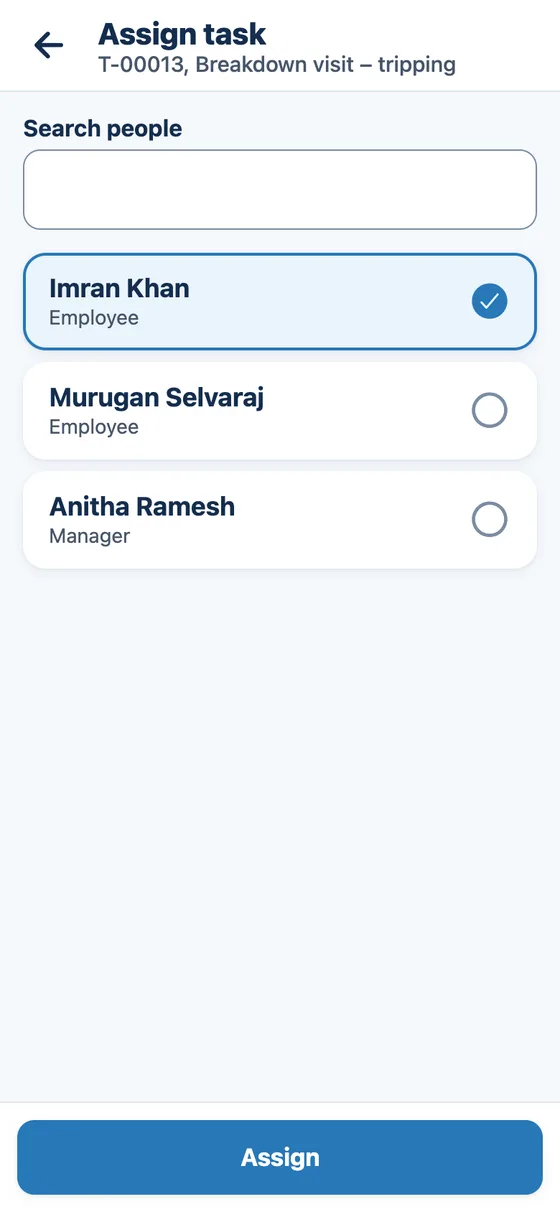
Step 1: Assign
Assign work to the right person.
Choose who does it and when it is due. It appears in their list of jobs.
- One task or many at once
- Due date and time in your organisation's time zone
- See who is on leave before assigning
Step 2: Update
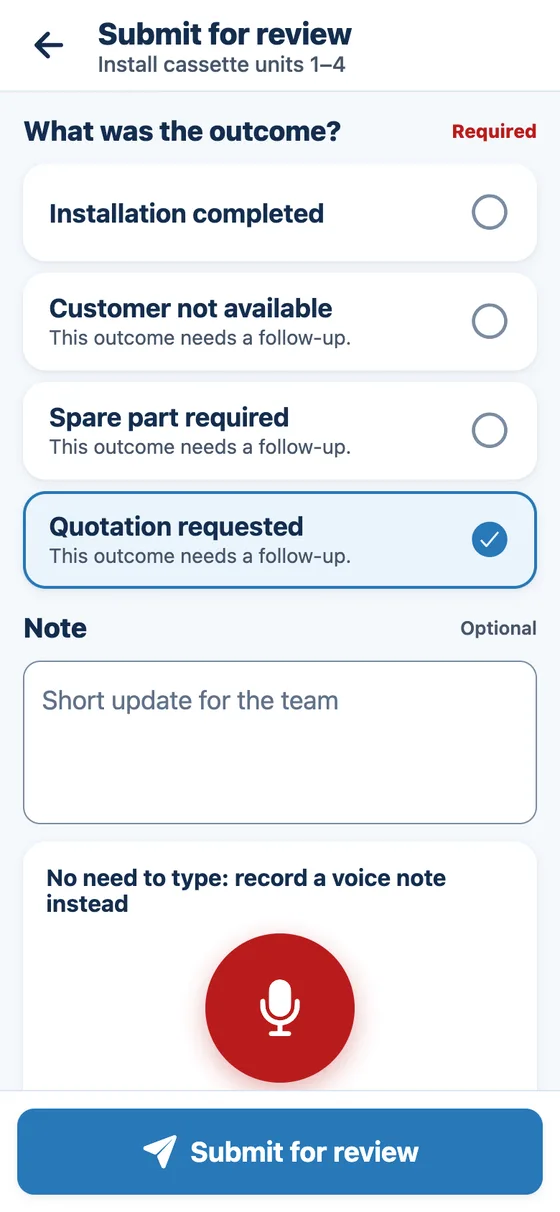
Record what happened.
The employee picks the outcome from a short list. No long forms.
- Start, pause with a reason, or finish
- Outcomes from a short list you control
- Fields and readings that only appear when needed
Step 3: Prove
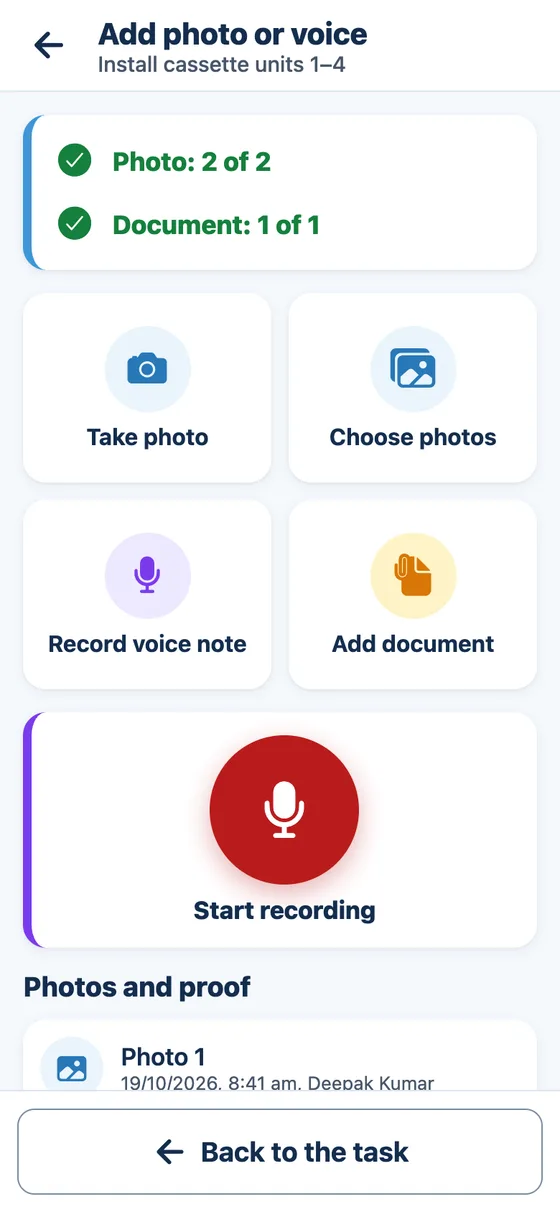
Attach proof when required.
Photos, documents and voice notes stay with the task. Required proof must be added before the task can be finished.
- Photos, documents and voice notes
- Checklists with required items
- Approval before closing, for the work you choose
Step 4: Follow up
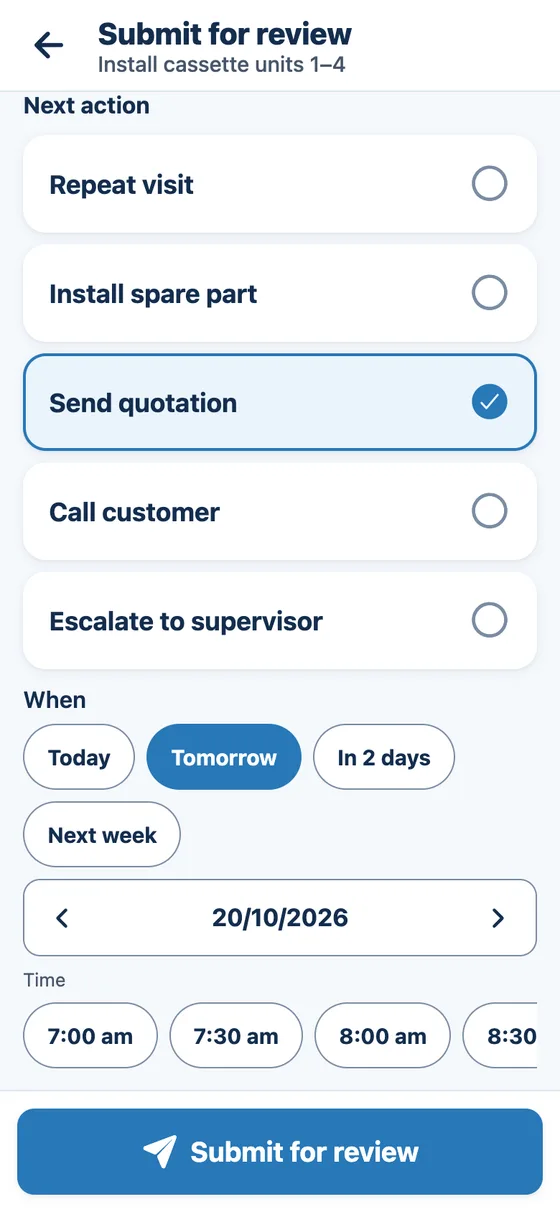
Create the next action and track it.
Every next action gets an owner and a due time, with reminders until it is done.
- Next action, owner and due time
- Reminders, and escalation if it is missed
- Repeat visits created automatically


Common questions
Do employees need training?
Very little. The app shows the next job first, uses big buttons and plain words, and asks one question at a time when a task is updated. Most people learn it on their first job.
What happens if someone does not update a task on time?
Overdue work is marked in red for the person and their manager, reminders go out, and if you turn it on, late work and late follow-ups move to a manager or team lead automatically.
Can it follow our own process?
Yes. Your statuses, the steps between them, the outcomes people choose from, the proof each type of work needs and the checklists are all set up for your business, without custom software.
Can repeat visits be created automatically?
Yes. For maintenance contracts and other regular work, you set how often a visit repeats, and each visit is created as a task before it is due.
What counts as proof?
Photos, documents and voice notes added to the task, plus the outcome chosen, checklist ticks and readings entered. You decide which work needs which proof, and a task cannot be finished until required proof is added.
Ready to Get Better Visibility Into Your Work?
See how the platform can fit your team's workflow.