Task execution platform
Stop Chasing Work. Start Tracking Outcomes.
Assign tasks, capture updates, record proof of work and keep every follow-up on track in one simple platform.
For field-service, professional-service and operations teams.


Four steps from task to proof.
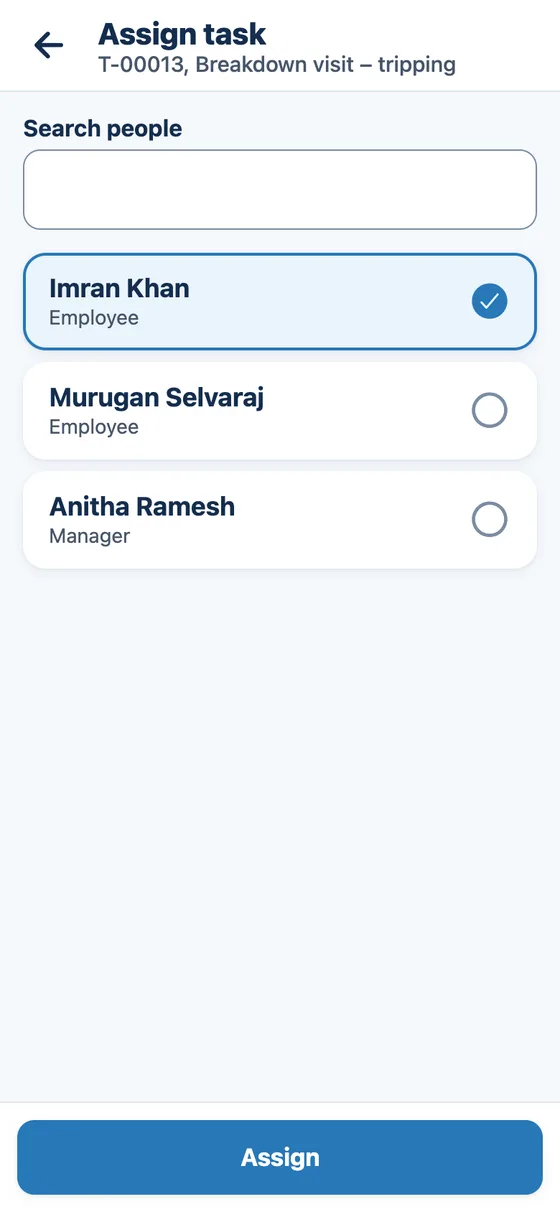
Step 1, Assign: Assign work to the right person.
Choose who does it and when it is due. It appears in their list of jobs.
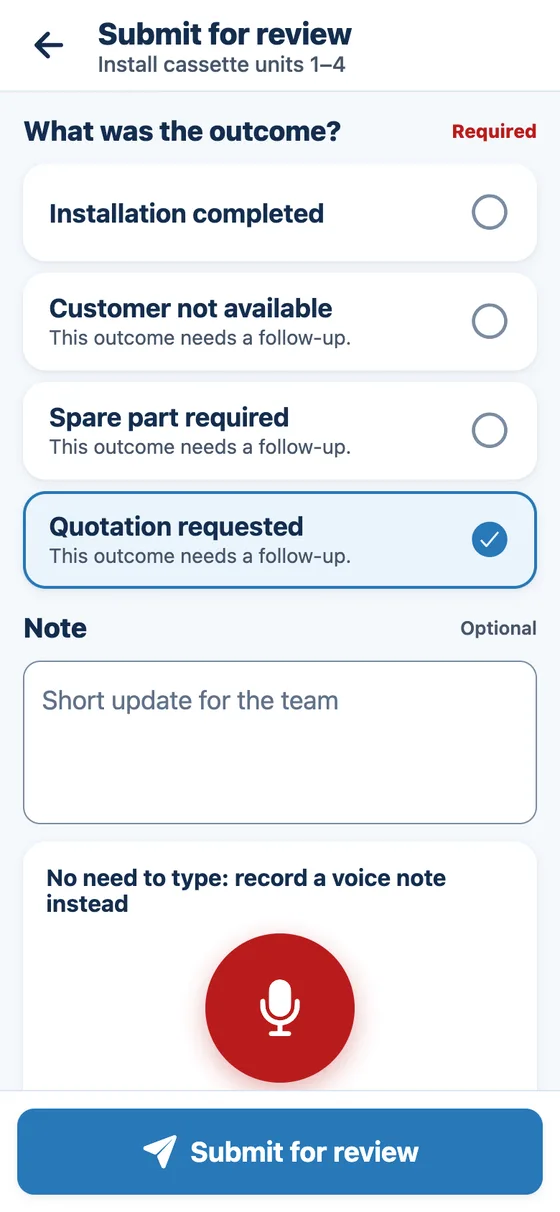
Step 2, Update: Record what happened.
The employee picks the outcome from a short list. No long forms.
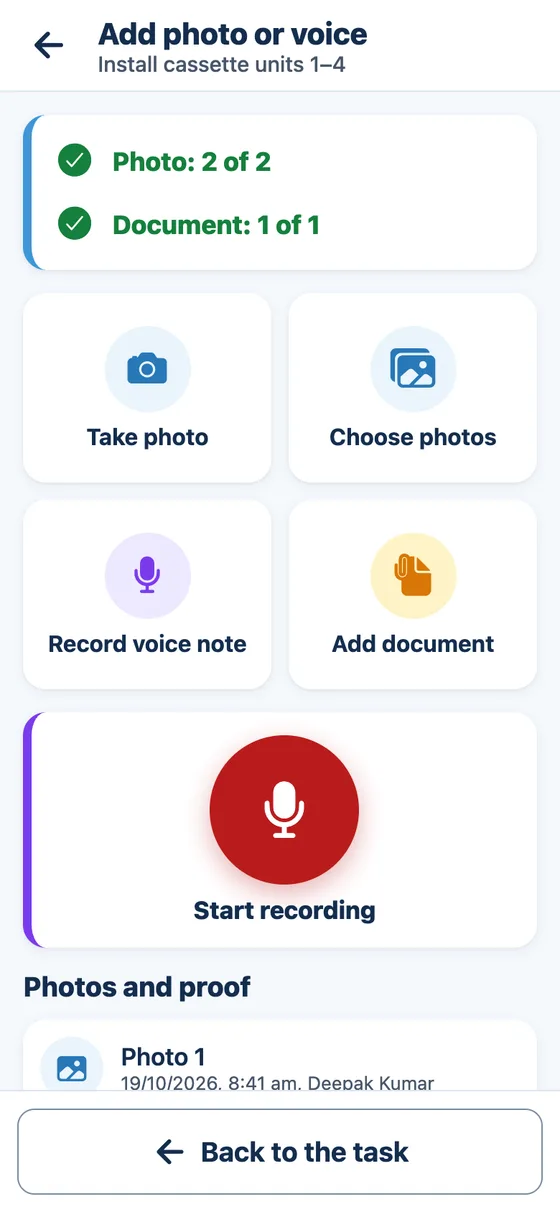
Step 3, Prove: Attach proof when required.
Photos, documents and voice notes stay with the task. Required proof must be added before the task can be finished.
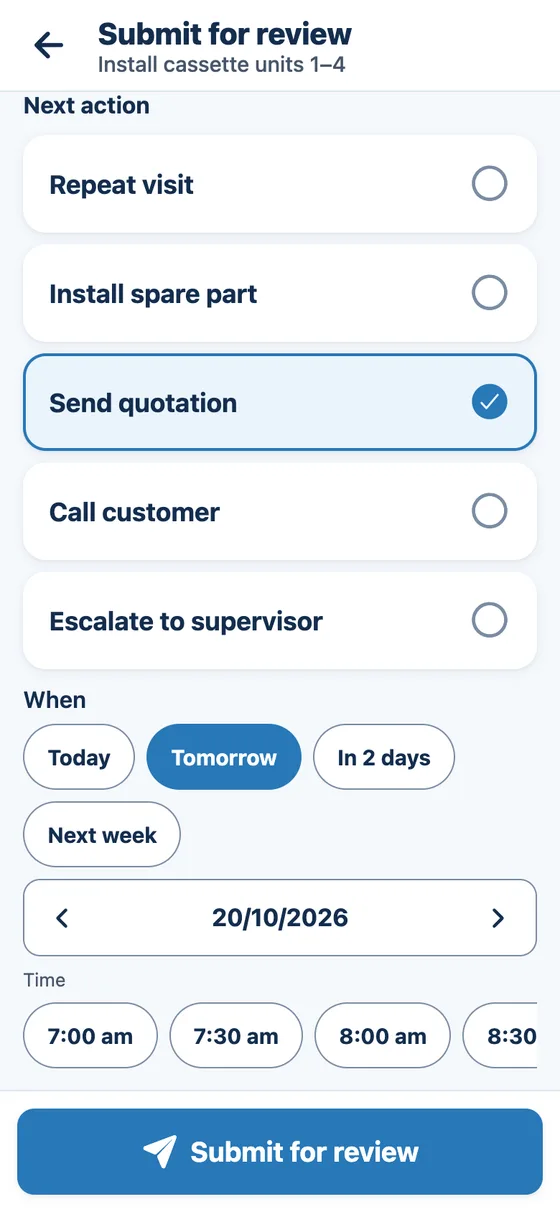
Step 4, Follow up: Create the next action and track it.
Every next action gets an owner and a due time, with reminders until it is done.


What your team and managers see.
Real screens from the app. Employees update work on their phone; managers follow it on the web.
Employee task list
Everything assigned to them, with what is due first.

Simple status update
One big button for the next step, and clear notes from the manager.

Voice notes and documents
Speak an update instead of typing. Photos and documents are added as proof.

Manager dashboard
What is overdue, in progress, waiting for review and due for follow-up.

Teams whose work happens away from a desk, or against a deadline.
Field‑service teams
Technicians record each visit with photos and readings, so every job closes with proof.
For example: AC repair, pest control, fire-safety checks
Professional‑service teams
Hearings, filings and client deadlines are assigned, approved and tracked to the end.
For example: Law firms, CA firms, insurance surveyors
Small-business operations teams
Audits, checks and internal requests move from issue to fixed, and a manager verifies them.
For example: Facility audits, property maintenance, snag lists
Your steps, outcomes and checklists are set up to match how your team already works.
Explore solutionsWhat changes for your team.
When every task has an owner, an outcome and a next step, work stops depending on reminders.
Simple for employees
Updating a task takes a few taps on the phone they already use. Big buttons, plain words, and their own language.
Clear for managers
One place shows who is doing what, what is late and what is waiting for your approval.
Follow-ups that do not get forgotten
Every next action has an owner and a due time. Reminders go out, and late follow-ups can move to a manager.
Ready to Get Better Visibility Into Your Work?
See how the platform can fit your team's workflow.
- We call you back to agree a time that suits you
- We walk through your own workflow, not a generic demo
- No sign-up or payment needed